
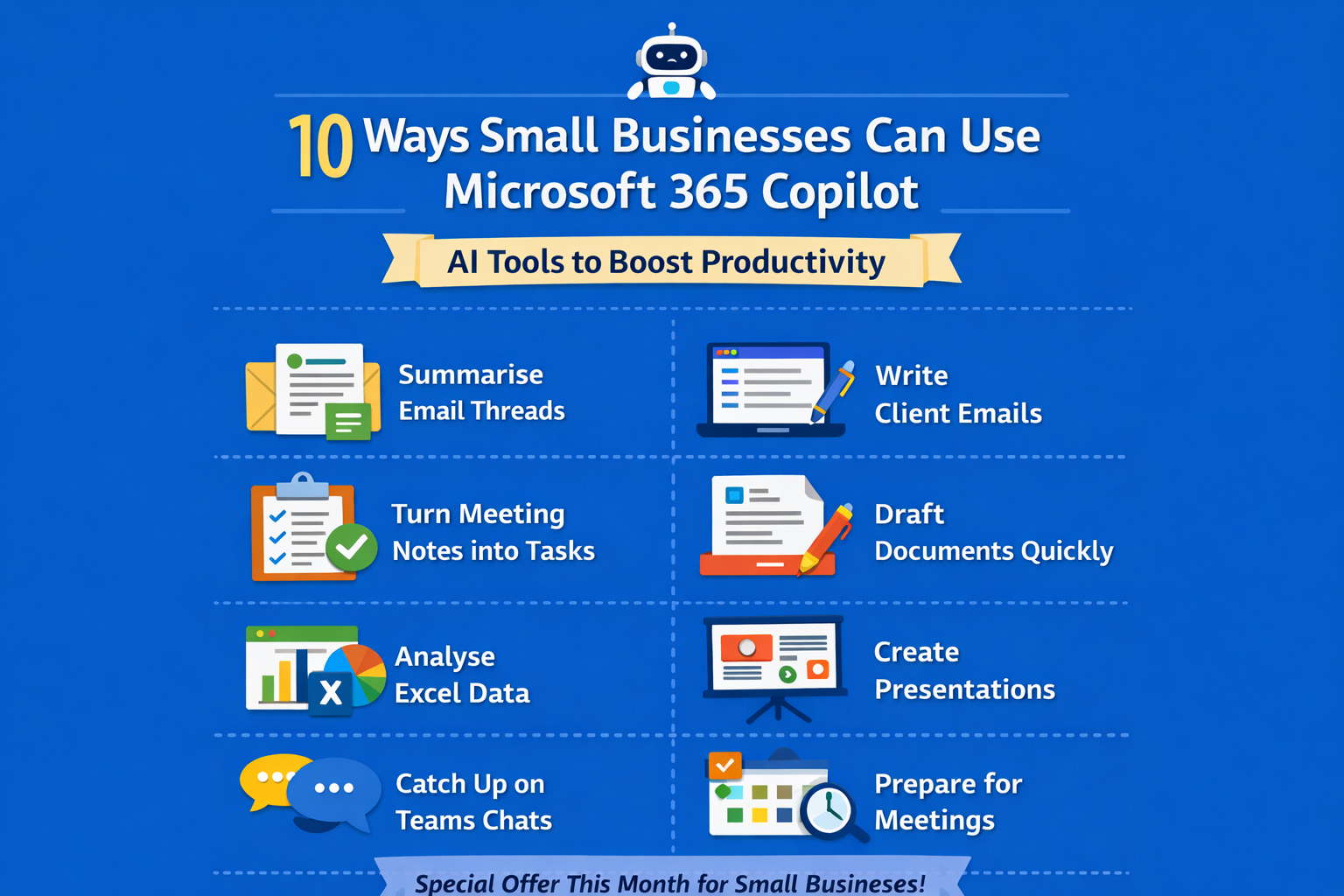
10 Real-World Ways Small Businesses Can Use Microsoft 365 Copilot
Artificial Intelligence is everywhere at the moment. But for many small businesses, it still feels a bit vague.
You might be wondering “What would we actually use it for?”
Microsoft’s answer is Copilot for Microsoft 365 - AI built directly into the tools many businesses already use every day: Outlook, Teams, Word, Excel and PowerPoint.
Right now Microsoft is running a promotion making Copilot cheaper for smaller businesses to adopt, so it’s a good time to understand what it can actually do in the real world.
Here are 10 practical examples of how we’re seeing small businesses use Copilot
1. Summarising long email threads
We’ve all had that email thread with 25 replies and several people copied in.
Instead of reading the entire chain, you can ask Copilot:
“Summarise this email thread and highlight the key decisions.”
Copilot produces a short summary so you can understand the conversation in seconds. This is perfect for busy business owners jumping back into conversations after meetings.
2. Writing professional client emails
Not everyone enjoys writing emails! Copilot can draft a message such as:
“Write a polite email confirming the meeting tomorrow and summarising the agreed actions.”
You still review and tweak it, but it removes the blank page problem. Many people say this alone saves them 30–60 minutes per day. What could you use that time for instead?
3. Turning meeting notes into actions
If you use Microsoft Teams meetings, Copilot can:
Summarise the meeting
Identify key decisions
Create action points
Highlight who agreed to do what
So instead of scribbled notes, you get a clear summary you can send straight to your team.
4. Creating first drafts of documents
Need to write a proposal, policy or internal document?
Instead of starting from scratch you can say in Word:
“Create a draft IT internet usage policy for a small company with 15 employees.”
Copilot produces a structured draft that you can refine.
This is incredibly useful for policies, proposals, guides and internal documentation.
5. Analysing spreadsheets in plain English
Excel is powerful… but many people only use a fraction of it.
With Copilot you can ask questions like:
“Which customers generated the most revenue last quarter?”
Or:
“Create a chart showing our monthly sales trend.”
Copilot analyses the spreadsheet and generates the results.
6. Creating presentations quickly
PowerPoint is another area where Copilot shines.
You can say:
“Create a 6-slide presentation introducing our company and services.”
Copilot will build the structure and slides, saving you hours of formatting.
Great for:
Sales presentations
Internal training
Client updates
7. Catching up on missed Teams chats
If you've been away for a few hours or a day, Teams chats can get overwhelming.
Copilot can summarise a conversation and highlight:
Key points
Decisions
Questions that need answering
So you can catch up in minutes instead of scrolling through hundreds of messages.
8. Preparing for meetings faster
Before a client meeting you can ask Copilot to summarise:
Previous emails
Past meeting notes
Key documents
It gives you a quick briefing, so you walk into meetings better prepared.
9. Brainstorming ideas
Copilot is surprisingly useful for thinking through ideas.
For example:
“Suggest five marketing ideas for a small accountancy firm.”
or
“What questions should we ask in a client onboarding meeting?”
It acts like a partner rather than a replacement for your expertise.
10. Reducing the time spent on admin
Most small business owners didn’t start their company because they love admin!
Copilot helps reduce time spent on:
Writing emails
Creating documents
Summarising meetings
Analysing spreadsheets
Which means more time spent on clients and growing the business.
Is Copilot worth it for small businesses?
The biggest benefit we see isn’t just automation.
It helps make everyday tasks quicker and easier.
Small improvements across emails, meetings, documents and spreadsheets can quickly add up to hours saved every week.
With Microsoft currently making Copilot cheaper for smaller organisations, it’s a good time for businesses to start exploring what it can do.
📞 If you'd like to see how Copilot works in practice, or whether it’s right for your business, please get in touch.

How Can We Help?
Call us at 01483 346910 or fill out the form below.
Featured Posts
10 Real-World Ways Small Businesses Can Use Microsoft 365 Copilot
Artificial Intelligence is everywhere at the moment. But for many small businesses, it still feels a bit vague.
You might be wondering “What would we actually use it for?”
Microsoft’s answer is Copilot for Microsoft 365 - AI built directly into the tools many businesses already use every day: Outlook, Teams, Word, Excel and PowerPoint.
Right now Microsoft is running a promotion making Copilot cheaper for smaller businesses to adopt, so it’s a good time to understand what it can actually do in the real world.
Here are 10 practical examples of how we’re seeing small businesses use Copilot
1. Summarising long email threads
We’ve all had that email thread with 25 replies and several people copied in.
Instead of reading the entire chain, you can ask Copilot:
“Summarise this email thread and highlight the key decisions.”
Copilot produces a short summary so you can understand the conversation in seconds. This is perfect for busy business owners jumping back into conversations after meetings.
2. Writing professional client emails
Not everyone enjoys writing emails! Copilot can draft a message such as:
“Write a polite email confirming the meeting tomorrow and summarising the agreed actions.”
You still review and tweak it, but it removes the blank page problem. Many people say this alone saves them 30–60 minutes per day. What could you use that time for instead?
3. Turning meeting notes into actions
If you use Microsoft Teams meetings, Copilot can:
Summarise the meeting
Identify key decisions
Create action points
Highlight who agreed to do what
So instead of scribbled notes, you get a clear summary you can send straight to your team.
4. Creating first drafts of documents
Need to write a proposal, policy or internal document?
Instead of starting from scratch you can say in Word:
“Create a draft IT internet usage policy for a small company with 15 employees.”
Copilot produces a structured draft that you can refine.
This is incredibly useful for policies, proposals, guides and internal documentation.
5. Analysing spreadsheets in plain English
Excel is powerful… but many people only use a fraction of it.
With Copilot you can ask questions like:
“Which customers generated the most revenue last quarter?”
Or:
“Create a chart showing our monthly sales trend.”
Copilot analyses the spreadsheet and generates the results.
6. Creating presentations quickly
PowerPoint is another area where Copilot shines.
You can say:
“Create a 6-slide presentation introducing our company and services.”
Copilot will build the structure and slides, saving you hours of formatting.
Great for:
Sales presentations
Internal training
Client updates
7. Catching up on missed Teams chats
If you've been away for a few hours or a day, Teams chats can get overwhelming.
Copilot can summarise a conversation and highlight:
Key points
Decisions
Questions that need answering
So you can catch up in minutes instead of scrolling through hundreds of messages.
8. Preparing for meetings faster
Before a client meeting you can ask Copilot to summarise:
Previous emails
Past meeting notes
Key documents
It gives you a quick briefing, so you walk into meetings better prepared.
9. Brainstorming ideas
Copilot is surprisingly useful for thinking through ideas.
For example:
“Suggest five marketing ideas for a small accountancy firm.”
or
“What questions should we ask in a client onboarding meeting?”
It acts like a partner rather than a replacement for your expertise.
10. Reducing the time spent on admin
Most small business owners didn’t start their company because they love admin!
Copilot helps reduce time spent on:
Writing emails
Creating documents
Summarising meetings
Analysing spreadsheets
Which means more time spent on clients and growing the business.
Is Copilot worth it for small businesses?
The biggest benefit we see isn’t just automation.
It helps make everyday tasks quicker and easier.
Small improvements across emails, meetings, documents and spreadsheets can quickly add up to hours saved every week.
With Microsoft currently making Copilot cheaper for smaller organisations, it’s a good time for businesses to start exploring what it can do.
📞 If you'd like to see how Copilot works in practice, or whether it’s right for your business, please get in touch.