
Blog
Home / Blog
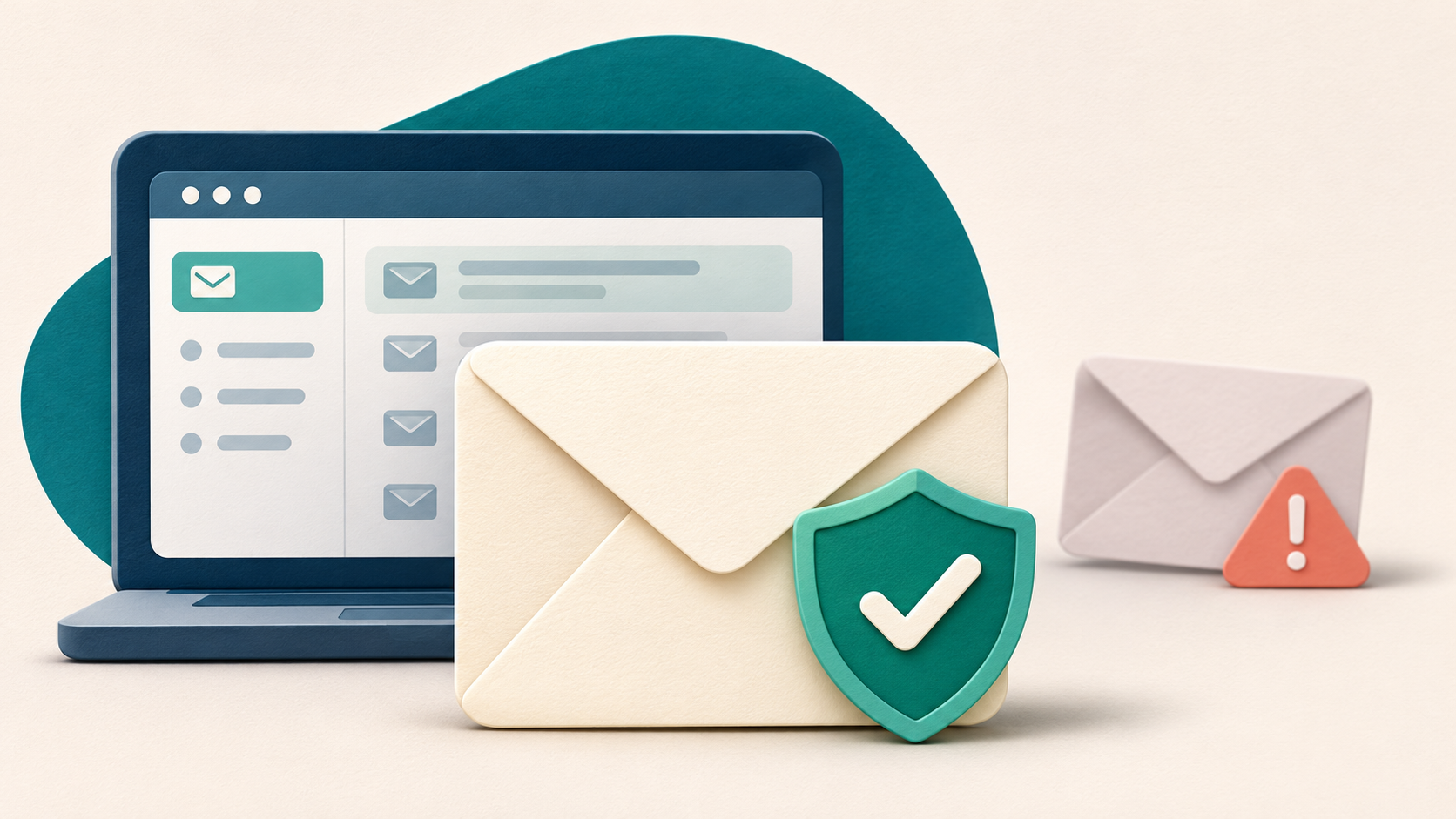
Could someone send an email pretending to be your business?
Imagine a customer receives an email from your business asking them to pay an invoice. Your name is there, the email address looks right and they’re expecting to hear from you.
Except you didn’t send it.
Criminals can fake the sender address on an email without getting into your account. It’s called email spoofing and it’s one way they make fraudulent messages look convincing.
That’s where DMARC comes in. The name is technical, but the idea behind it is fairly straightforward.
What is DMARC?
DMARC is an email security setting that helps protect your business’s domain (the part after the @ in your email address) from being used in fake emails.
It helps the receiving email service check whether a message claiming to come from your domain is authorised. It also lets you publish instructions about what to do with messages that fail those checks.
Think of it as giving the recipient’s email system a way to ask: “Does this email really come from the business it says it does?”
How does it work?
DMARC works alongside two other settings called SPF and DKIM. You don’t need to remember the names, but they each have a job:
SPF lists the services allowed to send email for your domain.
DKIM adds a digital signature that helps verify a message and detect changes.
DMARC checks that this evidence matches the domain in the sender address people see, and sets out how failed messages should be handled.
DMARC can ask receiving services to monitor failed messages, put them in spam or reject them. It can also provide reports to help your IT provider see which services are sending email using your domain.
Why does it matter for a small business?
Your customers and suppliers recognise your business name. That trust is valuable and it’s exactly what a convincing fake email tries to exploit.
A fraudulent message could ask someone to pay into a different bank account, open an attachment or enter their password on a fake website.
DMARC helps make one route for impersonating your business harder to use. It’s relevant whether you have five staff or five hundred.
We use Microsoft 365. Isn’t that already covered?
Using Microsoft 365 doesn’t automatically mean all the settings for your own domain are correctly configured.
There may also be more systems sending email on your behalf than you realise: your accounts software, website contact form, booking system or email newsletter service, for example.
Those need to be considered too, so genuine messages continue to get through.
Does having a DMARC record mean we’re protected?
Not necessarily. Having a record is a starting point; how it’s configured matters.
Some records are set to monitor only. That can be a sensible first step while your IT provider checks where legitimate email comes from, but it doesn’t ask recipients to block messages that fail.
The usual approach is to check the genuine sending services, review the reports and then move towards a policy that asks recipients to reject unauthorised messages.
It needs a little care. Switching straight to the strictest setting without checking everything could affect genuine business emails.
What can’t it do?
DMARC won’t stop every scam. It doesn’t prevent someone registering a similar-looking domain, using your name with a different email address or sending messages from an account they’ve broken into.
It sits alongside other precautions, including multi-factor authentication, staff awareness and checking unexpected payment requests through a known phone number.
What should you do next?
Ask whoever looks after your IT:
Do we have DMARC set up for our domain?
Is it monitoring only, or asking recipients to block fake emails?
Are all our genuine email services covered and is anyone reviewing the reports?
A missing record doesn’t mean you’ve been hacked. It does mean there’s an email security setting worth checking.
Not sure where you stand? At Rethink Your IT, we’re happy to have a free, informal 15-minute chat. We can explain what’s visible publicly and what the next steps might be. No passwords, preparation or technical knowledge needed.

How Can We Help?
Call us at 01483 346910 or fill out the form below.
Featured Posts
Could someone send an email pretending to be your business?
Imagine a customer receives an email from your business asking them to pay an invoice. Your name is there, the email address looks right and they’re expecting to hear from you.
Except you didn’t send it.
Criminals can fake the sender address on an email without getting into your account. It’s called email spoofing and it’s one way they make fraudulent messages look convincing.
That’s where DMARC comes in. The name is technical, but the idea behind it is fairly straightforward.
What is DMARC?
DMARC is an email security setting that helps protect your business’s domain (the part after the @ in your email address) from being used in fake emails.
It helps the receiving email service check whether a message claiming to come from your domain is authorised. It also lets you publish instructions about what to do with messages that fail those checks.
Think of it as giving the recipient’s email system a way to ask: “Does this email really come from the business it says it does?”
How does it work?
DMARC works alongside two other settings called SPF and DKIM. You don’t need to remember the names, but they each have a job:
SPF lists the services allowed to send email for your domain.
DKIM adds a digital signature that helps verify a message and detect changes.
DMARC checks that this evidence matches the domain in the sender address people see, and sets out how failed messages should be handled.
DMARC can ask receiving services to monitor failed messages, put them in spam or reject them. It can also provide reports to help your IT provider see which services are sending email using your domain.
Why does it matter for a small business?
Your customers and suppliers recognise your business name. That trust is valuable and it’s exactly what a convincing fake email tries to exploit.
A fraudulent message could ask someone to pay into a different bank account, open an attachment or enter their password on a fake website.
DMARC helps make one route for impersonating your business harder to use. It’s relevant whether you have five staff or five hundred.
We use Microsoft 365. Isn’t that already covered?
Using Microsoft 365 doesn’t automatically mean all the settings for your own domain are correctly configured.
There may also be more systems sending email on your behalf than you realise: your accounts software, website contact form, booking system or email newsletter service, for example.
Those need to be considered too, so genuine messages continue to get through.
Does having a DMARC record mean we’re protected?
Not necessarily. Having a record is a starting point; how it’s configured matters.
Some records are set to monitor only. That can be a sensible first step while your IT provider checks where legitimate email comes from, but it doesn’t ask recipients to block messages that fail.
The usual approach is to check the genuine sending services, review the reports and then move towards a policy that asks recipients to reject unauthorised messages.
It needs a little care. Switching straight to the strictest setting without checking everything could affect genuine business emails.
What can’t it do?
DMARC won’t stop every scam. It doesn’t prevent someone registering a similar-looking domain, using your name with a different email address or sending messages from an account they’ve broken into.
It sits alongside other precautions, including multi-factor authentication, staff awareness and checking unexpected payment requests through a known phone number.
What should you do next?
Ask whoever looks after your IT:
Do we have DMARC set up for our domain?
Is it monitoring only, or asking recipients to block fake emails?
Are all our genuine email services covered and is anyone reviewing the reports?
A missing record doesn’t mean you’ve been hacked. It does mean there’s an email security setting worth checking.
Not sure where you stand? At Rethink Your IT, we’re happy to have a free, informal 15-minute chat. We can explain what’s visible publicly and what the next steps might be. No passwords, preparation or technical knowledge needed.